Tickover Coming soon

Help

Plug in, connect, and you’re away.

Which adapter to get, how to connect it, and what Tickover can and can’t tell you.

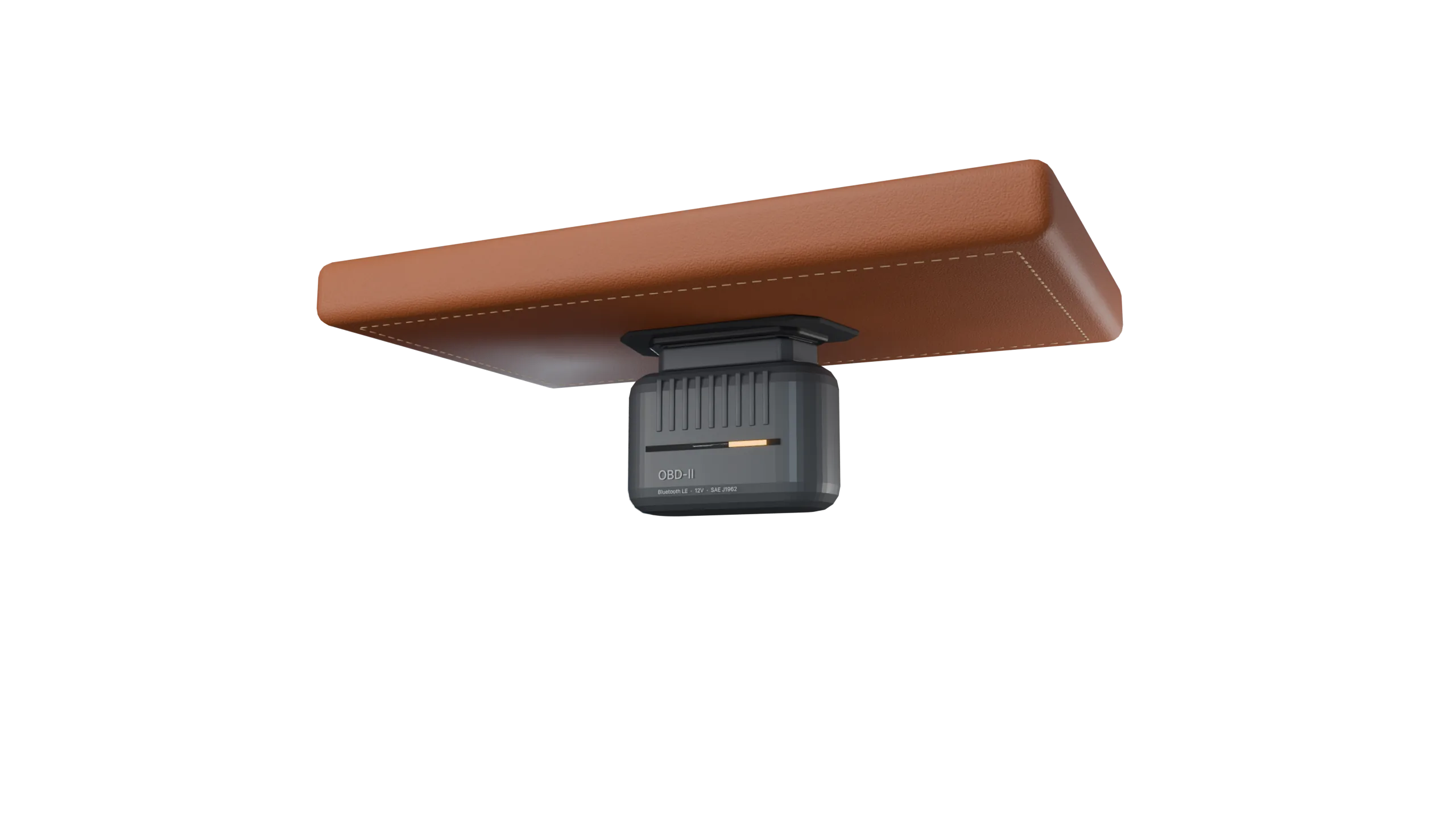
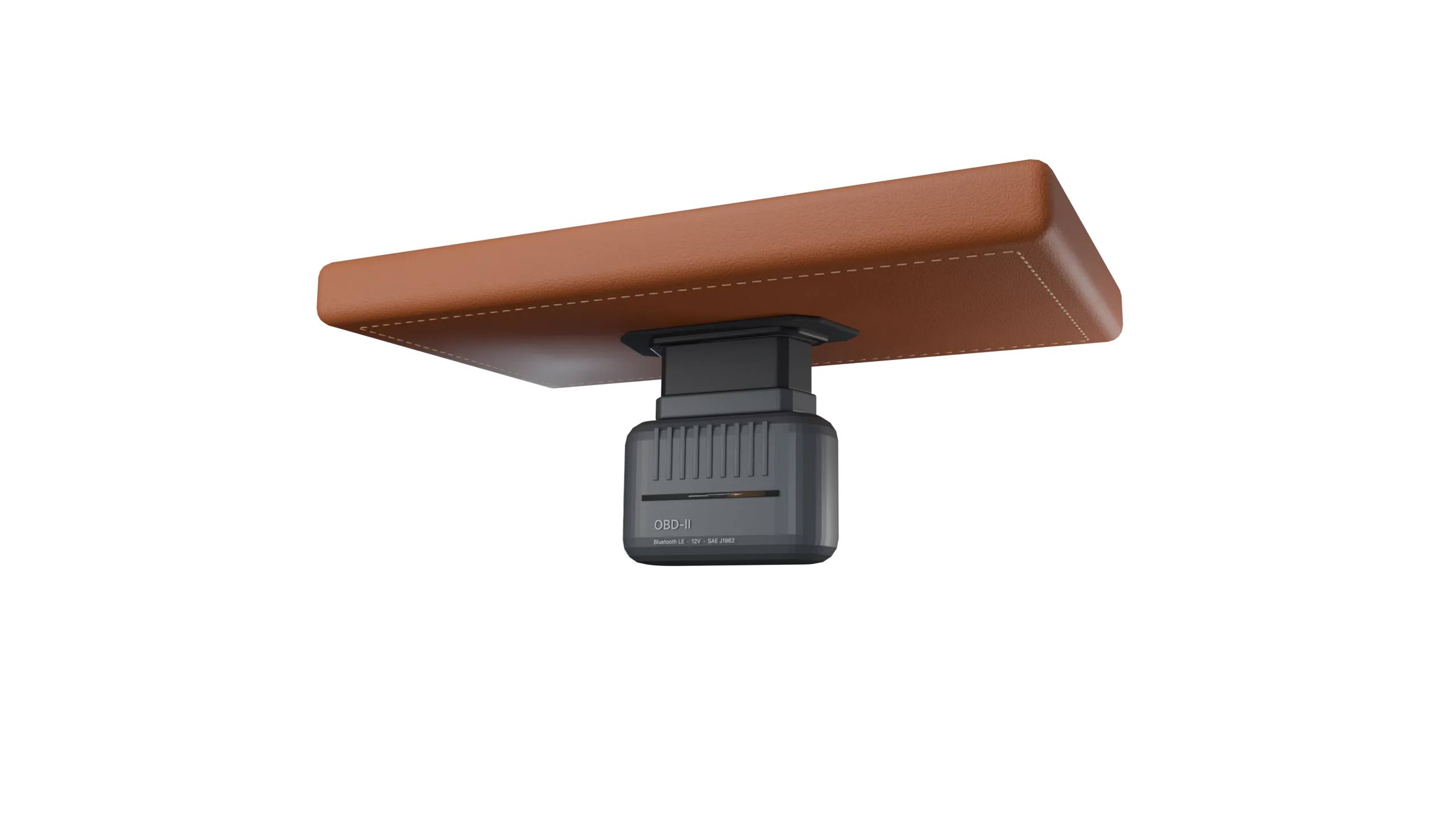
An OBD adapter plugged into the socket under a car’s dashboard, its light on.

The one thing to get right

Get a Bluetooth LE adapter.

It’s the only kind an iPhone can use. Look for “BLE”, “Bluetooth 4.0 or 5.0” or “works with iPhone” on the box.

  • Bluetooth Classic

    Paired with a PIN like 1234. iPhones don’t allow it.

  • Wi‑Fi adapters

    They make their own network. Not supported yet.

  • Handheld code readers

    Their own screen and cable. They can’t talk to a phone.

Adapters we suggest

The adapter is just the plug: Tickover turns its signal into answers. The better ones connect faster, cope with more cars, and can stay plugged in.

  • Good value

    Veepeak OBDCheck BLE

    A small, popular adapter made for iPhone. Fine for reading and clearing codes.

    Find it on Amazon
  • Our suggestion

    Vgate vLinker MC+

    A well-regarded chip that connects quickly and copes with more cars. A good all-rounder.

    Find it on Amazon
  • Premium

    OBDLink CX

    Bluetooth 5.1, fast pairing and a proper sleep mode, so it can stay plugged in. Strongest on BMW and Mini.

    Find it on Amazon

Suggested by other iPhone car apps and reviewers. We haven’t tested them with Tickover on a car yet.

Can’t connect?

Five things, in this order. It’s almost always one of the first three.

  1. 1
    Plug it in fully

    The port is under the dashboard, near the steering wheel.

  2. 2
    Switch the ignition on

    So the dashboard lights up. The engine can stay off.

  3. 3
    Turn Bluetooth on

    And allow Tickover to use it, in the iPhone’s Settings.

  4. 4
    Don’t pair it yourself

    Leave it out of the iPhone’s Bluetooth settings: Tickover finds it.

  5. 5
    Close other car apps

    Only one app can use the adapter at a time.

Good to know

  • Your car

    Unplug it if the car will sit.

    Most adapters draw a little power. After a few days parked, it can run the battery down.

  • Tickover

    What the explanations are.

    It reads the codes your car stores and explains them for your make and model, with UK repair costs.

  • Its limits

    What it can’t see.

    It’s a guide to take to a garage, not a diagnosis: it can’t look inside the engine.

Questions

The rest is in the privacy policy, or start with your plate on the home page.

Will it work with my car?

Petrol cars from 2001 and diesels from 2004 have the standard socket Tickover reads. Older cars may not have standard diagnostics.

Is the plate check free?

Yes. It reads the public MOT and tax records for any UK plate, a few checks at a time. Plug an adapter in for what the car itself is saying.

Do I need an account?

No. There’s no sign-up and no email. Your cars and scans stay on your phone.

What does Plus add?

Likely causes with fair UK prices, MOT advice in plain English, live engine readings, unlimited buyer’s checks and sharing your car’s report. It’s £2.99 a month or £19.99 a year. Knowing what a light means, and whether it’s safe to drive on, stays free.

How do I cancel Plus?

On your iPhone, open Settings, then your name, then Subscriptions. A yearly plan sends a reminder a week before it renews.

What happens to my data?

Only what a lookup needs leaves your phone. The privacy policy has the details.